.png)




















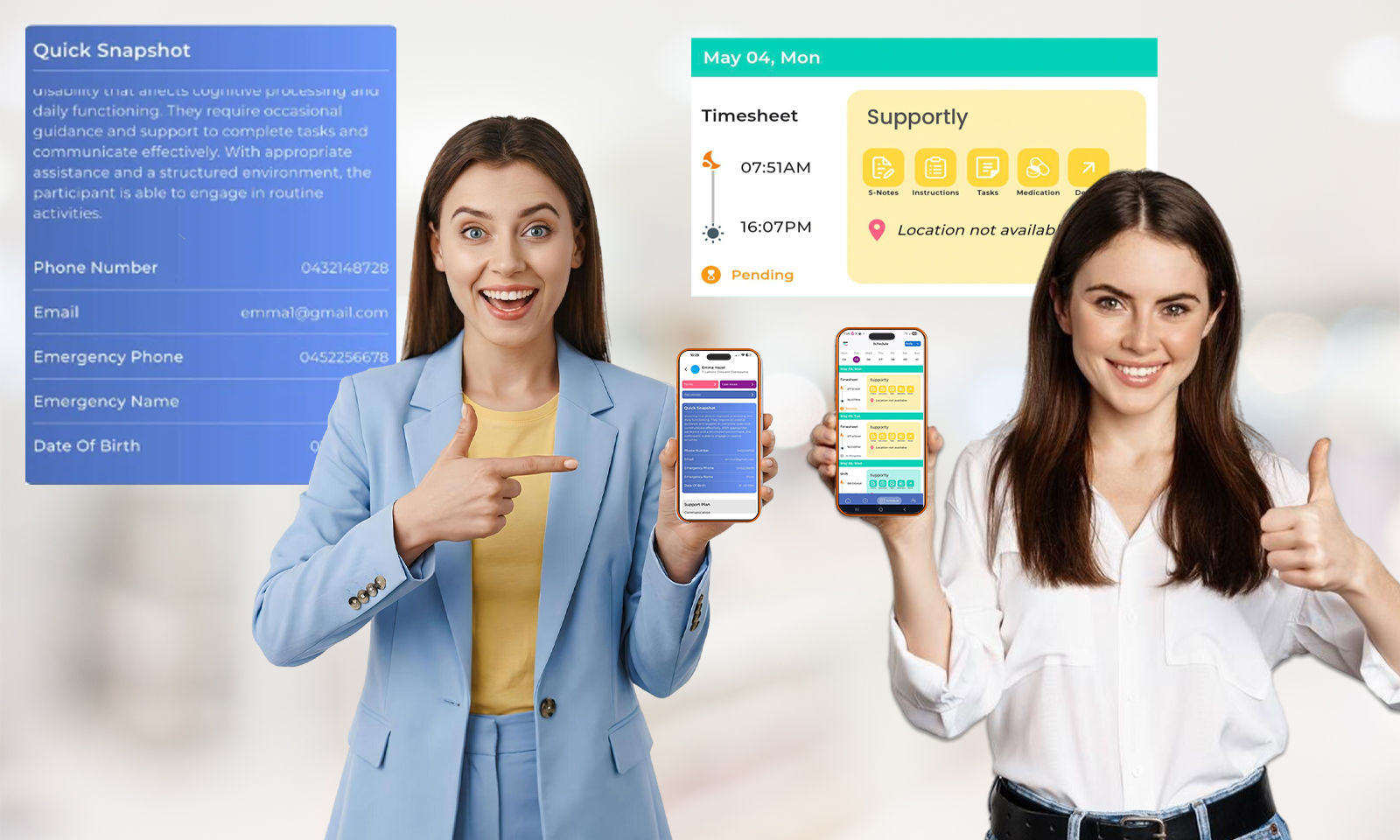
View Your Shifts, Day by Day
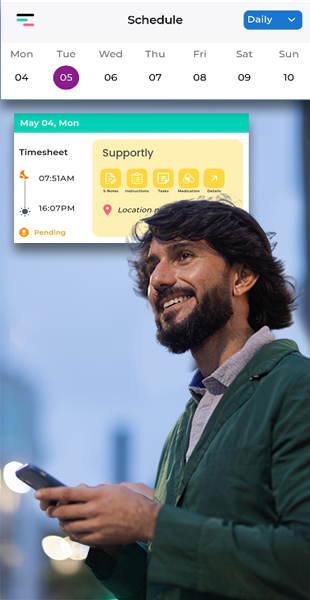
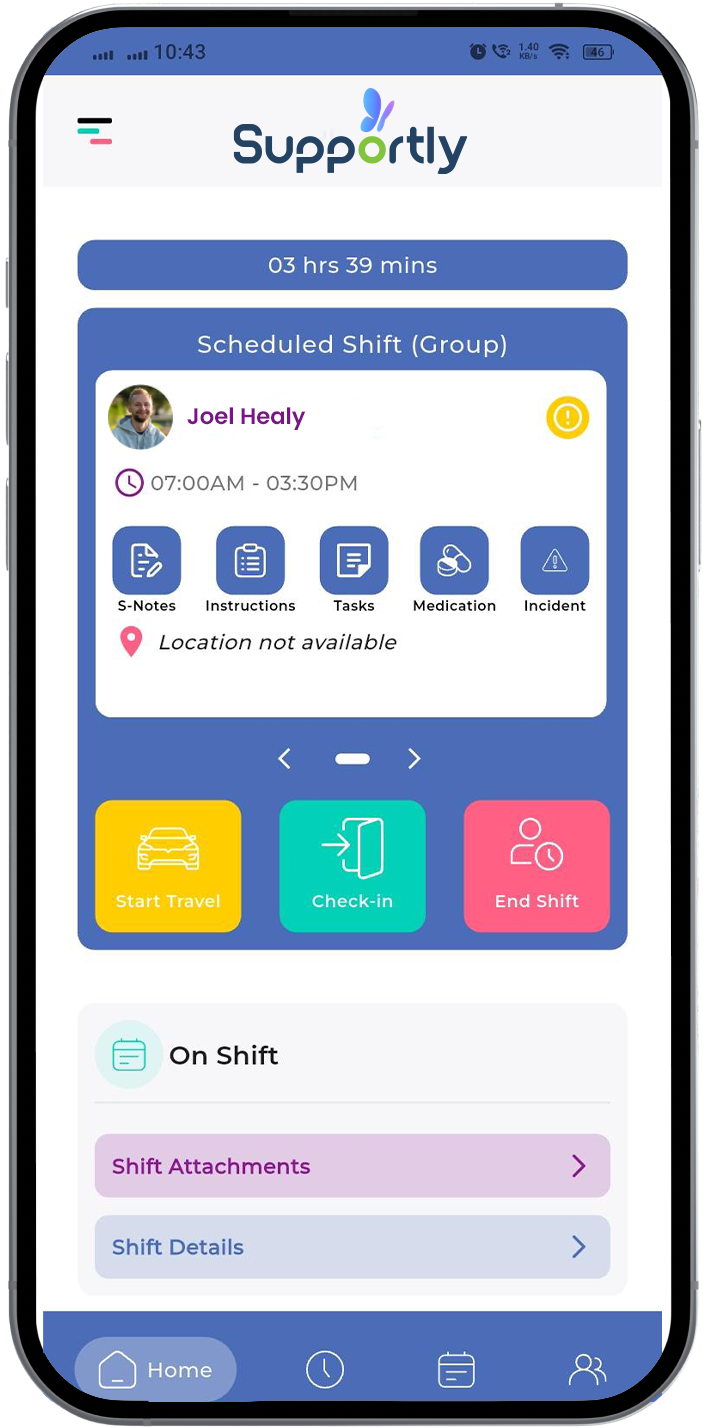
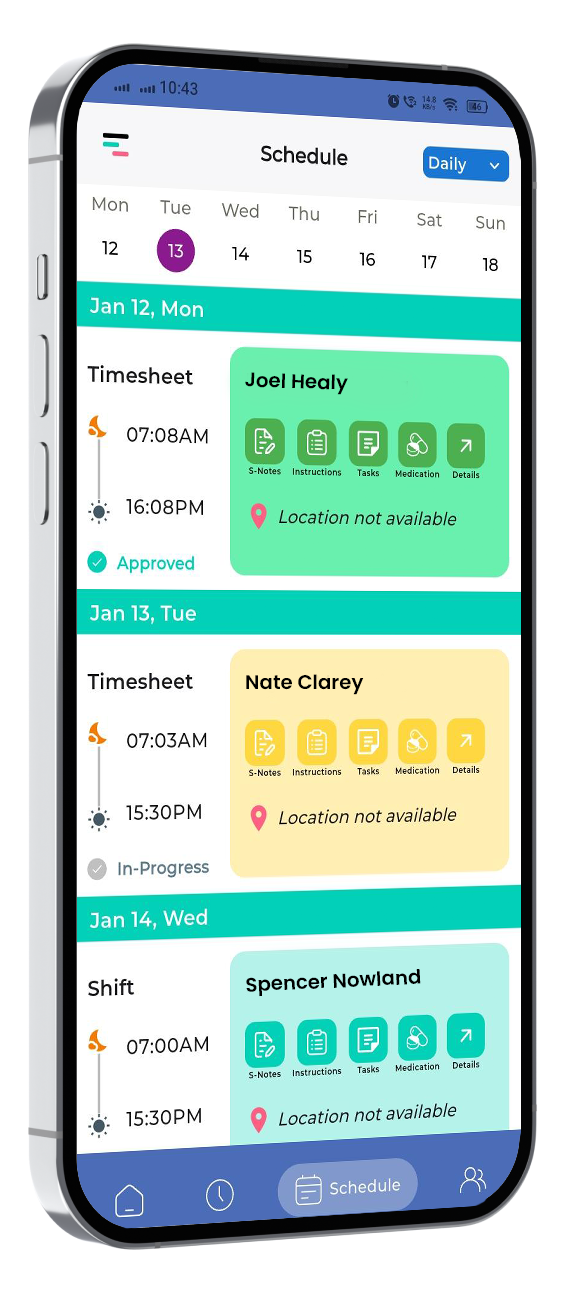
Know before you go — Workers see their full schedule — shift times, participant name, and every key detail — before the day starts. No surprises at the door.
- Daily and weekly schedule view with participant shift cards
- Quick access to S-Notes, Instructions, Tasks, Medication, and Details from the shift card
- Timesheet status visible at a glance — Pending, In-Progress, or Completed
Every Participant Detail, One Tap Away
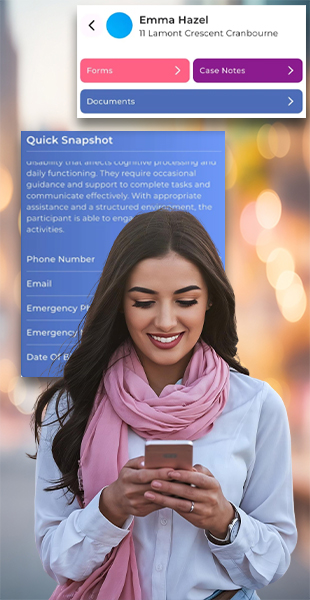
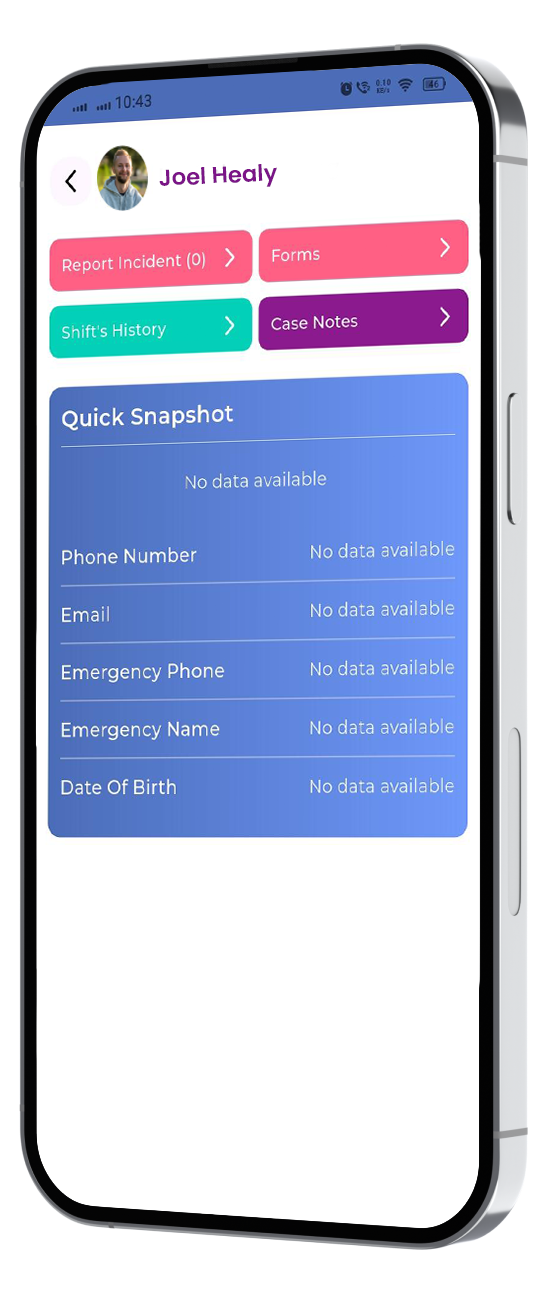
Workers access incident reporting, shift history, forms, case notes, and key contact information directly from the participant's profile. Everything they need on site — no calls to the office, no waiting.
- Report incidents directly from the participant profile
- Access full shift history for that participant
- View and complete participant forms and case notes on site
- Quick Snapshot shows phone number, emergency contact, and date of birth
Report Incidents the Moment They Happen
Report in the moment. Not hours later from memory. — Incidents get reported the moment they happen — not reconstructed at the end of a shift. The guided form ensures every required field is completed. The manager receives an instant alert. Every report is timestamped and linked to the participant record, Commission-ready from day one.
- Incident report button accessible directly from the shift screen and participant profile
- Guided required fields prevent incomplete submissions
- Manager receives an automatic alert the moment a report is lodged
- Every report is timestamped and linked to the participant record
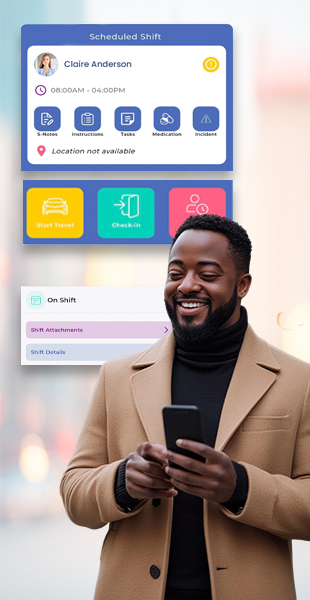
Timesheets That Track Themselves
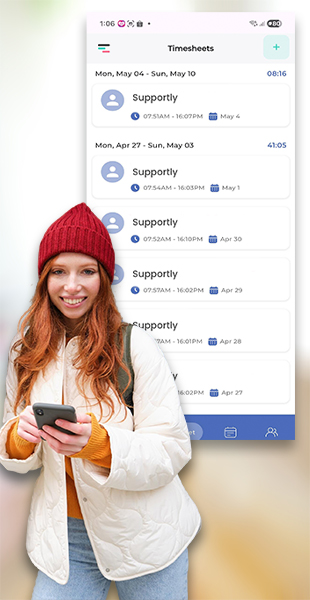
Every shift worked is logged automatically. Workers see a full weekly timesheet history — hours, dates, and provider — without filling in a single form manually.
- Weekly timesheet view with total hours per period
- Each entry shows provider, shift time range, and date
- Shift hours accumulate automatically — no manual entry required
One App, Multiple Organisations
Workers registered with more than one NDIS provider switch between organisations from a single app — no logging out, no separate accounts. The correct shifts, documents, and policies load instantly for each provider.
- Switch between linked NDIS providers without logging out
- Access My Documents, Availability, and Policies for each organisation
- Profile completion bar shows document compliance status at a glance
- Settings, Availability, and Logout accessible from the same menu